Your TV has a lot to say.
LocalCast turns any Android TV or Google TV into a menu board, a queue screen, a timer or a teleprompter. You run it from your phone. Nothing leaves your Wi-Fi.
Free to start. Pro is $1.49 once, never a subscription.
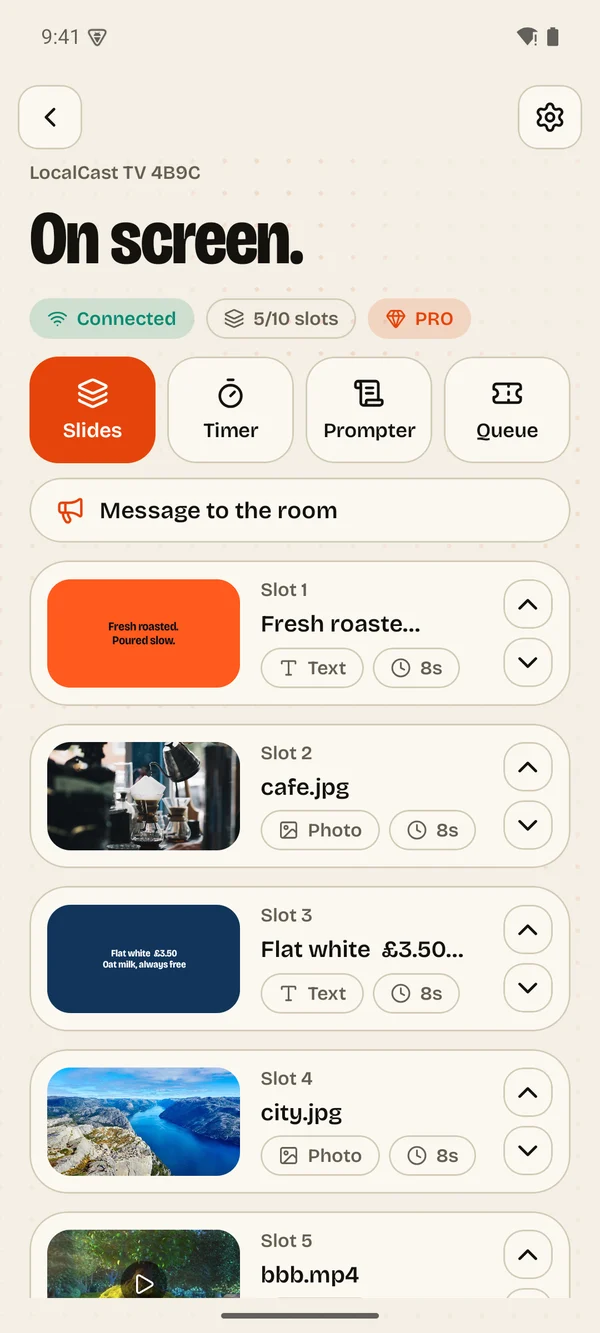
LocalCast turns any Android TV or Google TV into a menu board, a queue screen, a timer or a teleprompter. You run it from your phone. Nothing leaves your Wi-Fi.
Free to start. Pro is $1.49 once, never a subscription.
Install, pair, go. There is nothing to sign up for.
Your phone talks straight to the TV over your own Wi-Fi.
Open the app on the TV, enter a code on your phone, done.
Pay $1.49 once on your phone to unlock everything. No subscription.
Cafés, shops, salons
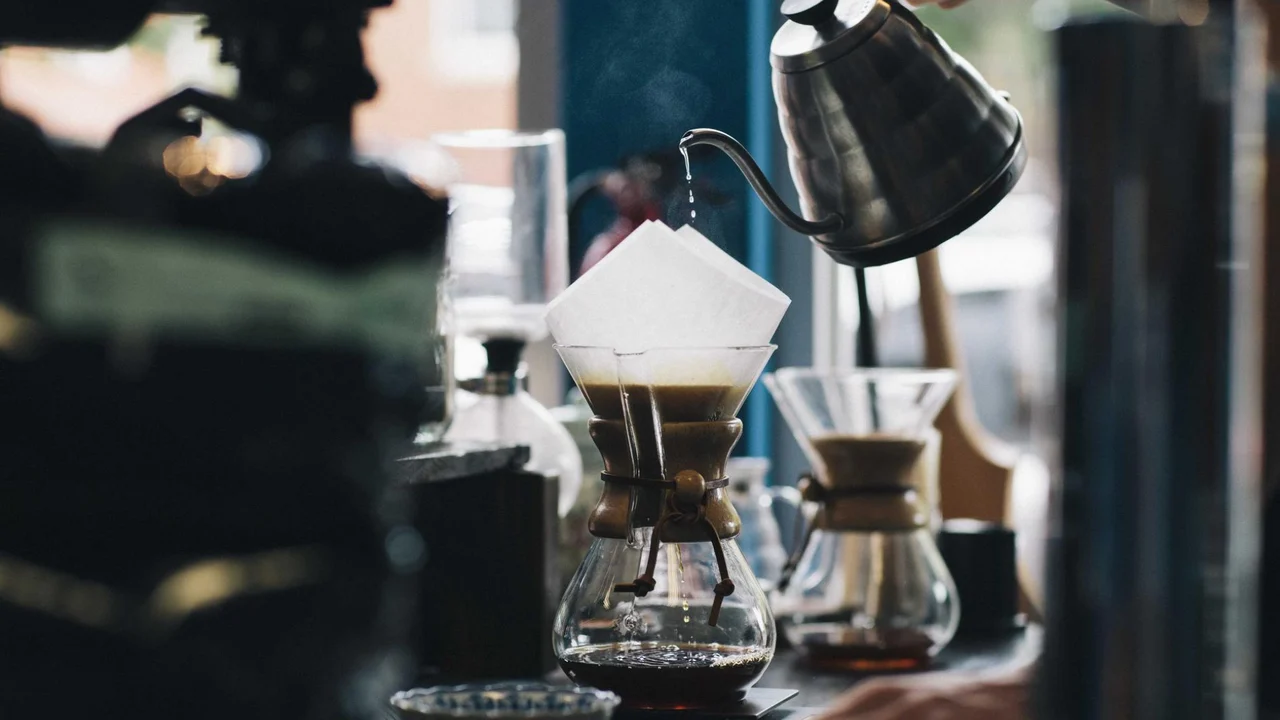
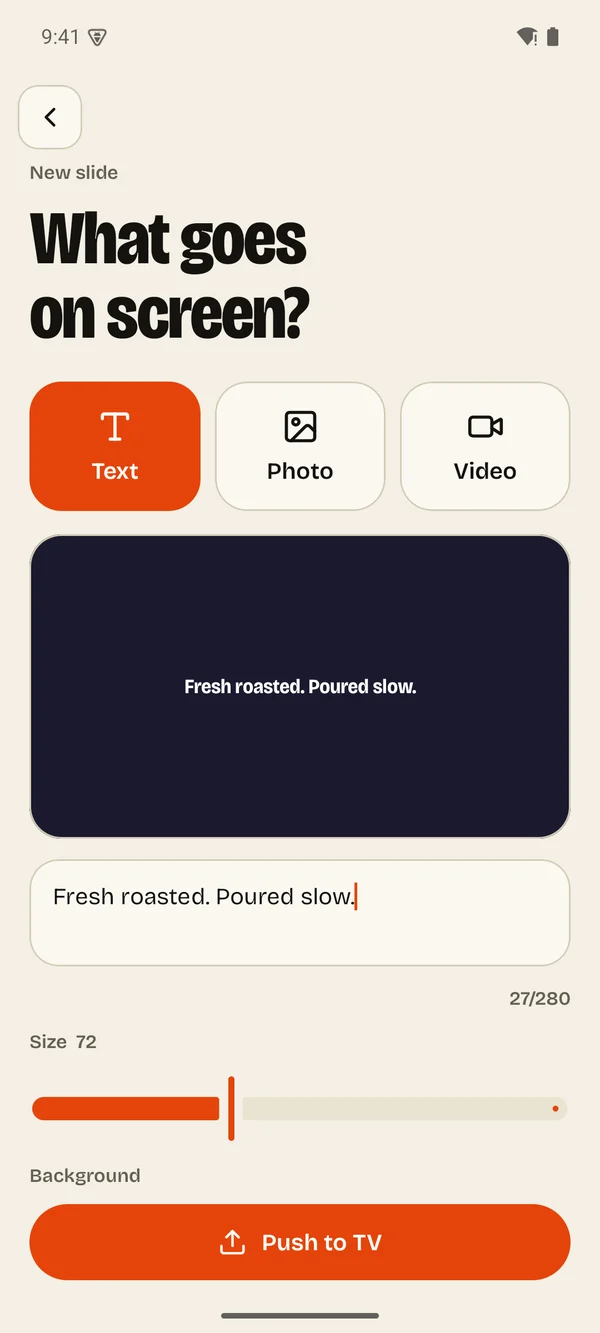
Change today's special from behind the counter. Photos, video and big bold text, shown in a loop that looks the part.
Clinics, pharmacies, service desks
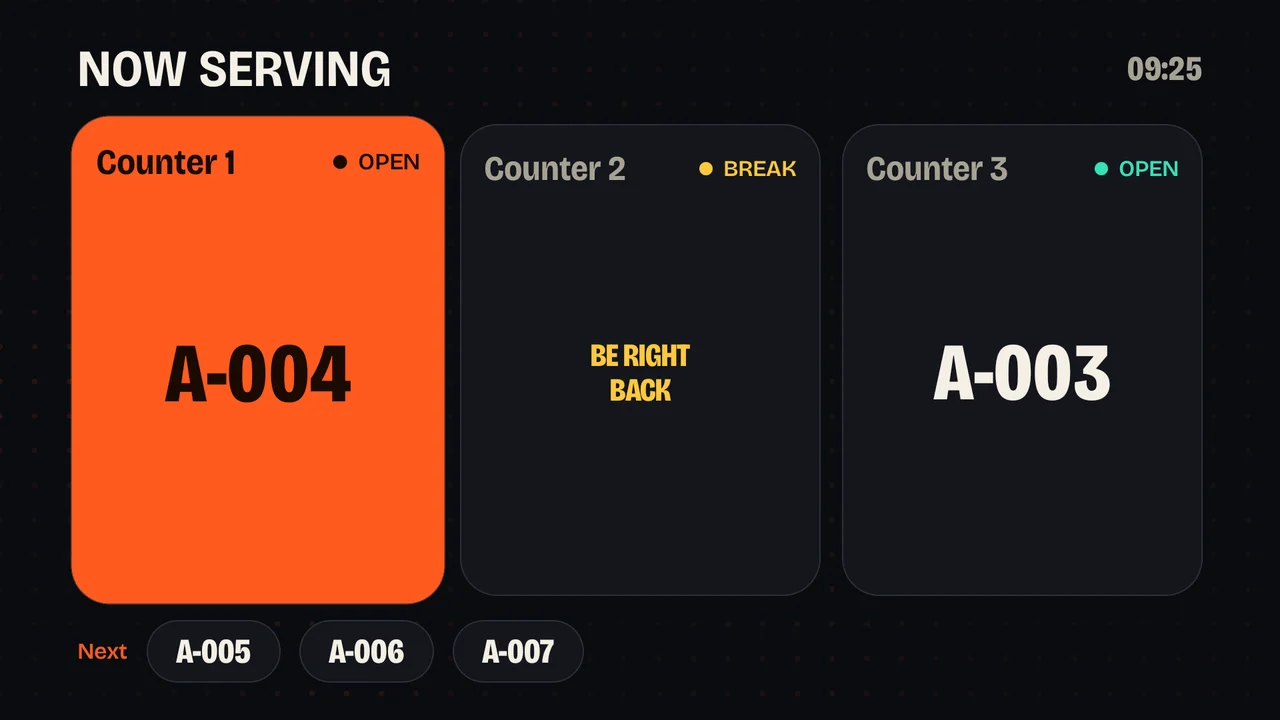
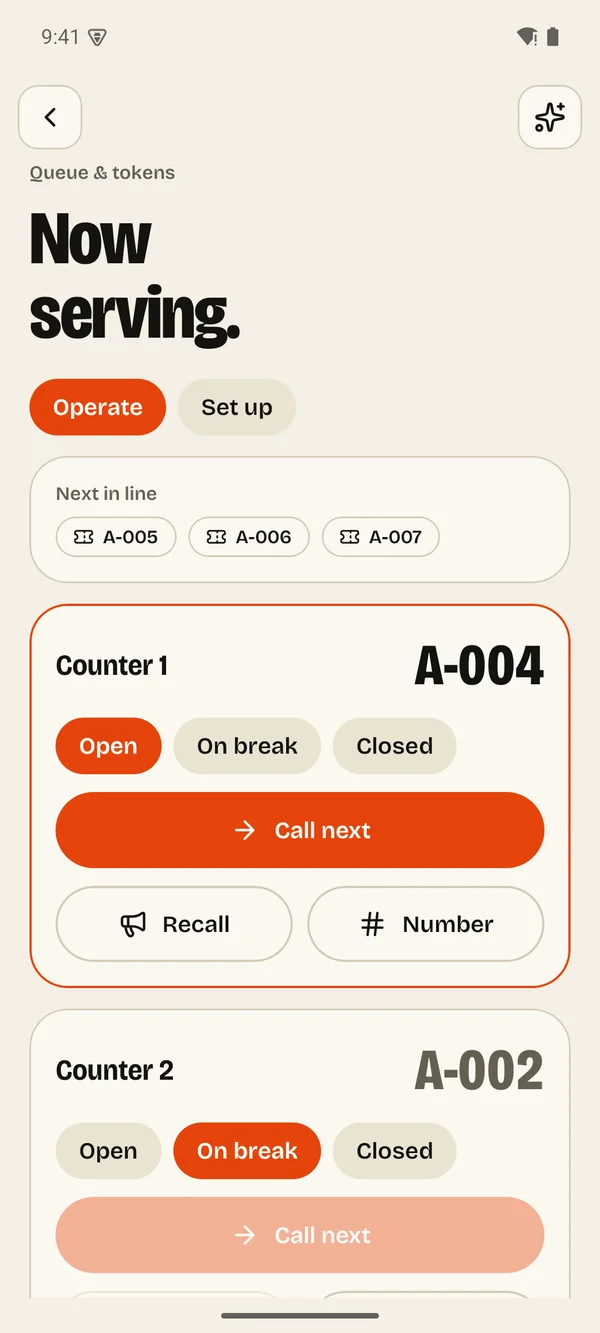
Show who is being served and who is next. One shared line or a separate sequence for each counter, with your own ticket style.
Classrooms, gyms, workshops
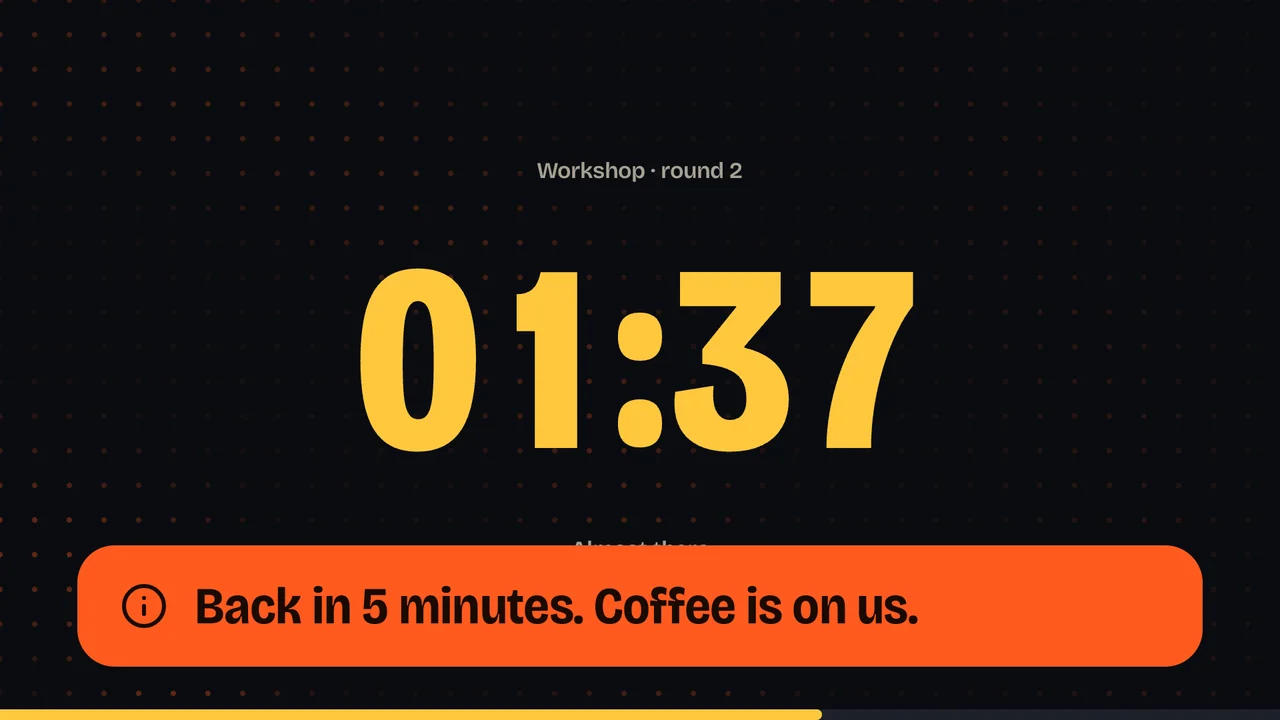
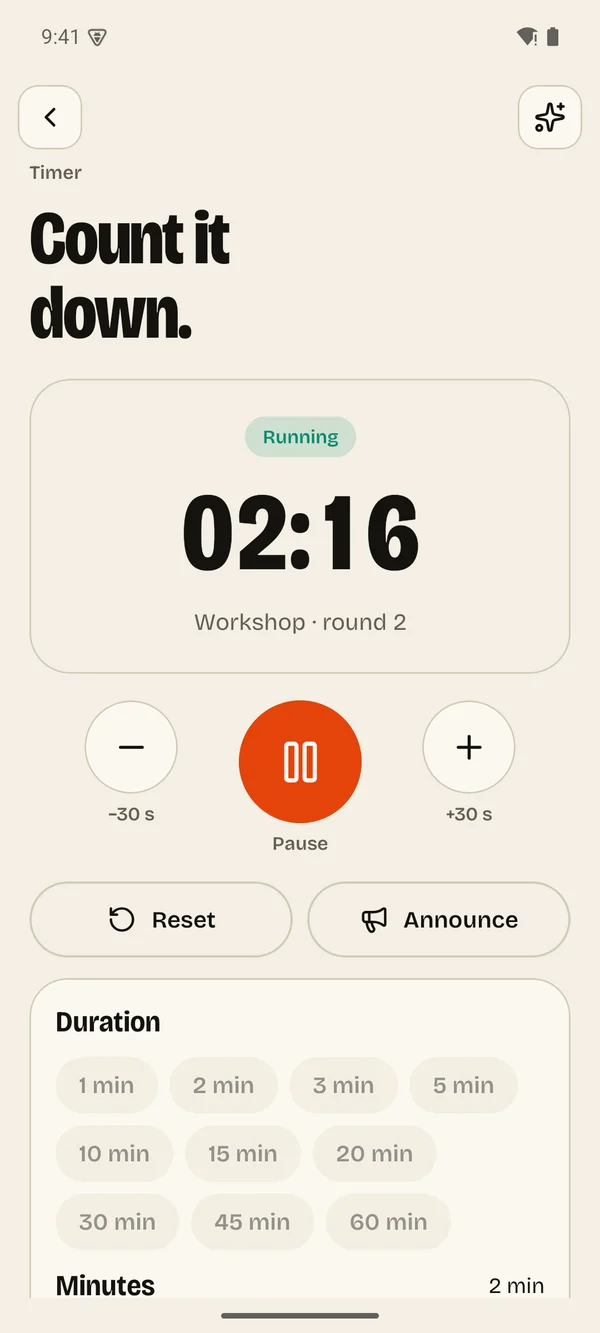
A countdown big enough for the back row. Start it with a 3-2-1, nudge it by thirty seconds, and flash your own message when time is up.
Talks, videos, services
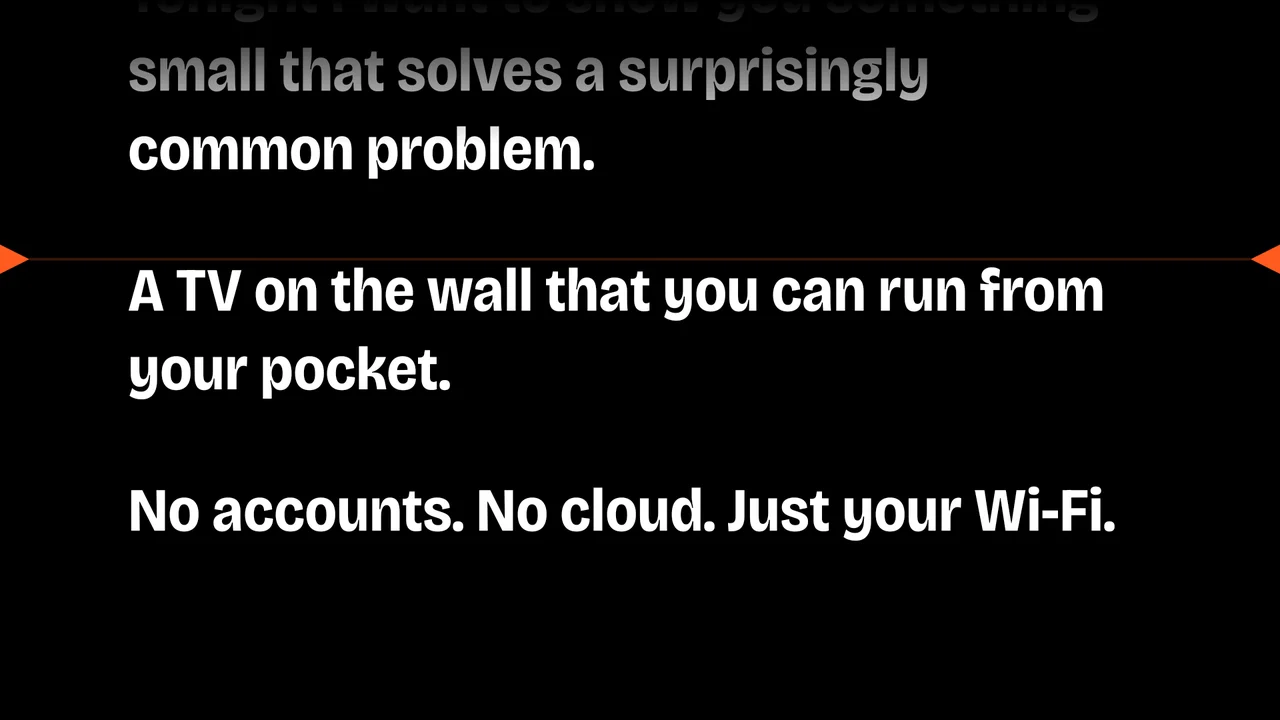
Paste your script and press play. It scrolls at the words per minute you choose and eases off at every paragraph, so you have time to look up.
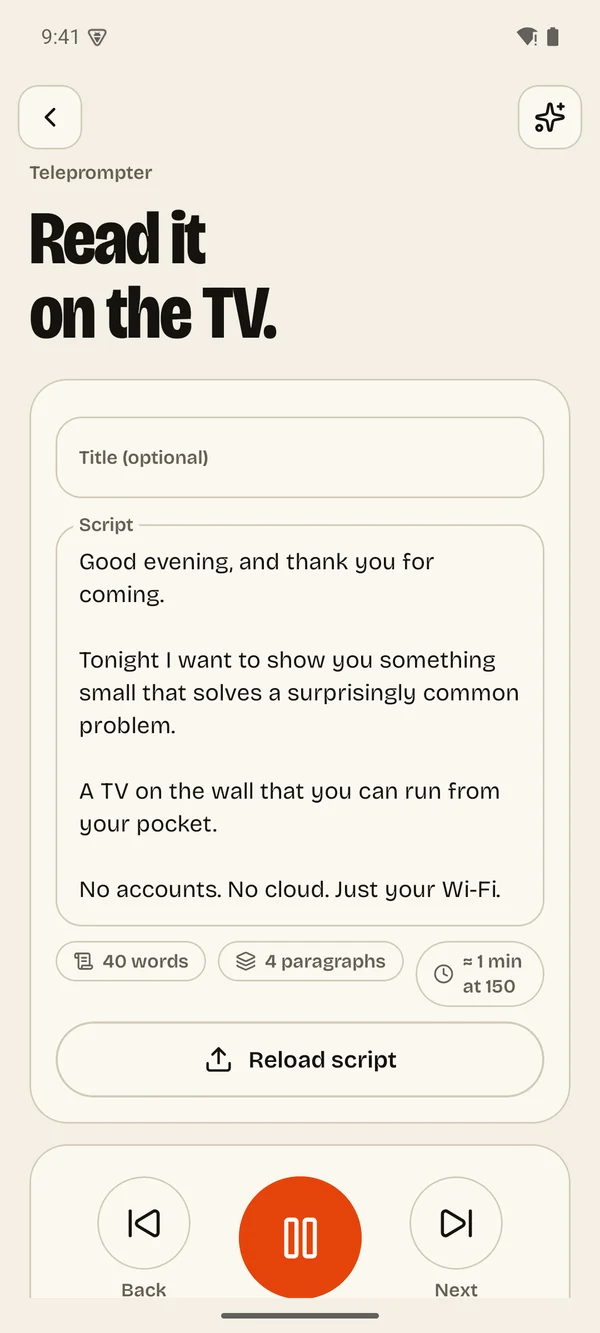
LocalCast shows a short welcome and asks you to choose a passcode, so only people you trust can connect.
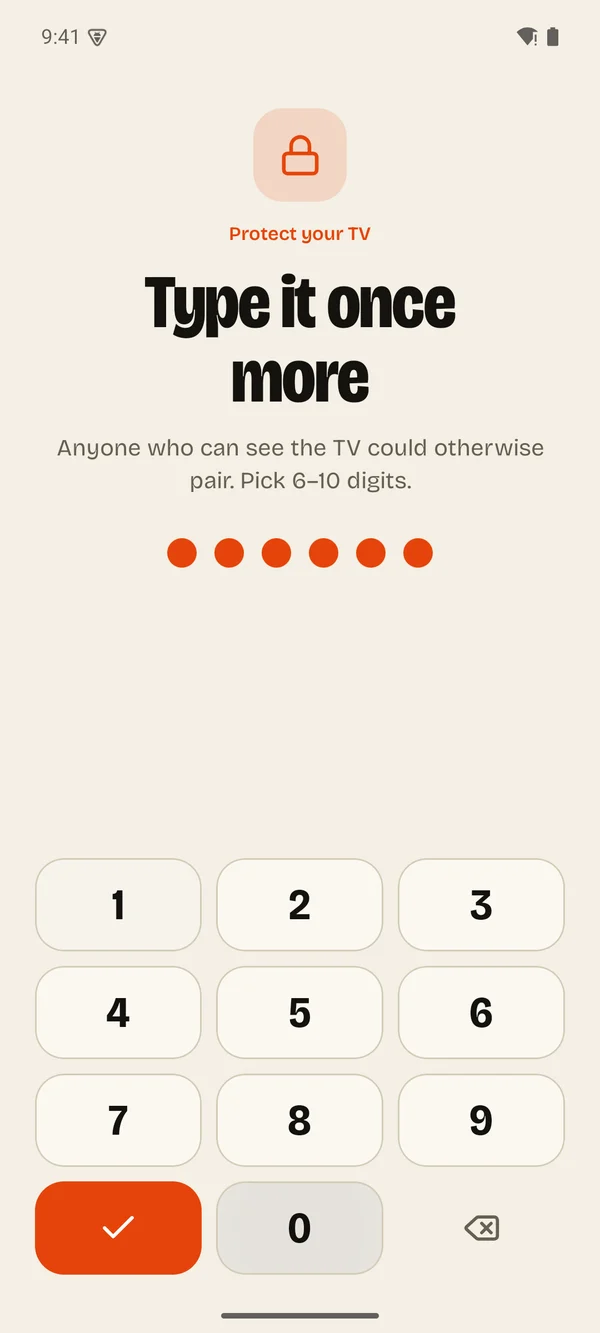
Pick the TV on your Wi-Fi and enter the passcode once. It remembers the TV next time.
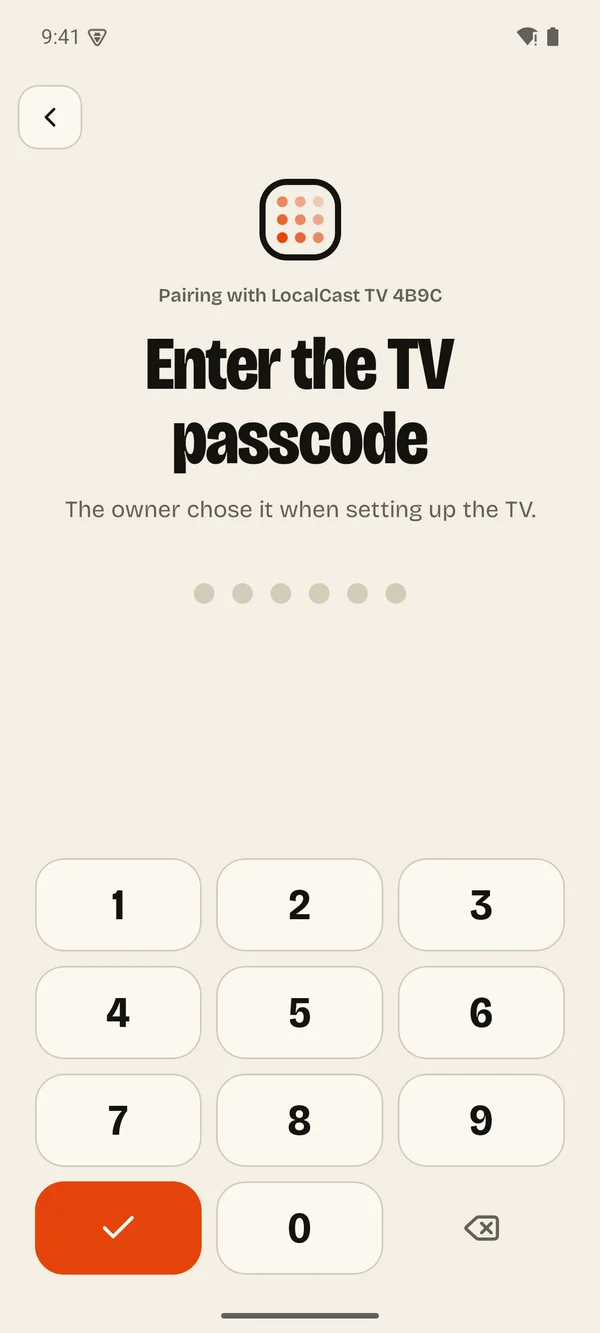
Slides, a timer, a queue or a script. It appears in seconds and keeps playing when you put your phone down.
Everything travels from your phone to your TV over your own Wi-Fi, scrambled so nobody else on the network can read it. There is no LocalCast server holding your photos, because there isn't one.
Strangers in your shop can't push anything to your screen.
The show carries on if the internet drops.
No email, no profile, no tracking on the TV.
The free version is a real, working sign. Pro removes the limits and the ads, forever, for less than a coffee.
Ads on your phone, a small LocalCast bar on the TV
Lives on your phone and your Google account. Restore it on any new phone
Any Android TV or Google TV running Android 8 or newer: Sony, TCL, Philips, Hisense, Xiaomi, Nvidia Shield, Chromecast with Google TV and most set-top boxes. You install LocalCast on the TV and on your phone.
Only to download the apps and, on the free version, to load ads on your phone. Once it's set up, your phone and TV talk to each other over Wi-Fi and the show runs without internet.
Yes. Up to four phones can be connected at once, each with the passcode. They all see the same slides, timer and queue.
Any phone that is still connected can set a new one from Settings. If none are, you can reset LocalCast from the TV menu by holding OK for five seconds, which clears everything and starts fresh.
Some routers and guest networks block devices from discovering each other. Choose "Connect by IP" in the app and type the address shown on the TV screen.
The TV keeps playing. Slides, the timer, the queue and the teleprompter all run on the TV itself.
No. It's one purchase of $1.49 (or your local price) tied to your Google account. If you switch phones, tap Restore purchase.
On your phone. The TV app is free to install, and Pro belongs to the phone you buy it on. That phone gets every Pro feature on any TV it controls. A teammate's phone stays on the free plan unless they buy Pro themselves.